
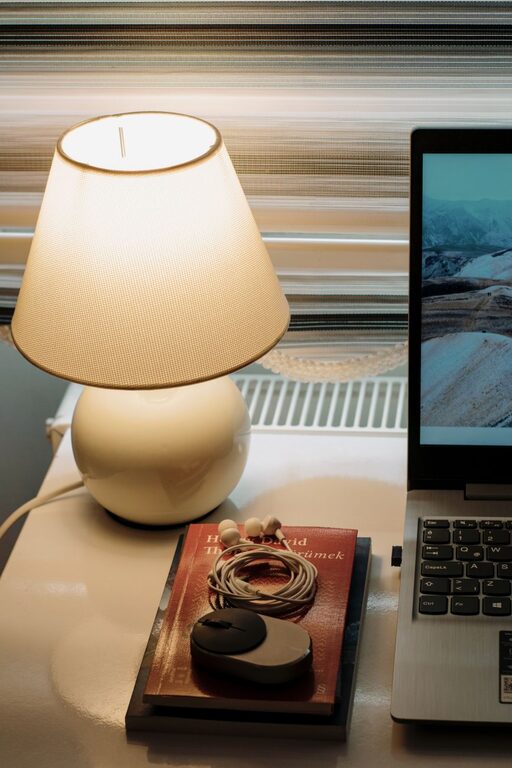
Creating a cozy and functional home workspace is essential for boosting productivity, maintaining focus, and enjoying your time while working from home. A thoughtfully designed space can make a significant difference in your daily routine, helping you separate work from relaxation and stay comfortable throughout busy days.
Whether you have a dedicated room or just a small corner, these tips will guide you in creating a workspace that balances comfort with efficiency.
1. Choose the Right Location
Selecting the right spot for your home workspace sets the foundation for all other design decisions.
– Consider natural light: Choose a space near a window if possible. Natural light can improve mood and reduce eye strain.
– Minimize distractions: Pick a quiet area away from high-traffic zones, televisions, or noisy appliances.
– Space availability: Even a small nook can be transformed with the right furniture and organization.
2. Invest in Comfortable Furniture
Comfort is key when you spend hours working at your desk.
– Ergonomic chair: Choose a chair that supports your back and encourages good posture.
– Adjustable desk: If possible, invest in a desk with adjustable height to alternate between sitting and standing.
– Proper desk size: Make sure the desk surface fits your computer and essentials without feeling cluttered.
3. Optimize Lighting
Lighting directly affects productivity and comfort in your workspace.
– Layered lighting: Combine ambient light with task lighting like a desk lamp.
– Avoid glare: Position screens and light sources to prevent glare on your computer.
– Use warm bulbs: Soft, warm white light creates a cozy atmosphere that is easy on the eyes.
4. Organize for Efficiency
Clutter can slow you down and reduce motivation. Keep your workspace tidy and functional.
– Use storage solutions: Shelves, drawers, and desktops organizers help keep items in place.
– Declutter regularly: Spend a few minutes each day clearing your desk to maintain focus.
– Cable management: Use clips or channels to keep cords under control, reducing visual chaos.
5. Personalize Your Space
Making your workspace inviting can increase your comfort and creativity.
– Add greenery: Small plants improve air quality and add a touch of nature.
– Incorporate inspiring decor: Photos, artwork, or motivational quotes can give a personal touch.
– Choose soothing colors: Soft or neutral tones create a peaceful environment conducive to concentration.
6. Create Zones for Different Tasks
If space allows, design your workspace to accommodate various activities.
– Separate computer work from reading or brainstorming: Use different surfaces or chairs.
– Include a bulletin board or whiteboard: Great for tracking goals, deadlines, and ideas.
– Keep frequently used items within reach: This saves time and reduces interruptions.
7. Maintain Good Air Quality and Temperature
Comfort goes beyond visuals and furniture. The physical environment matters, too.
– Ventilation: Open windows or use air purifiers to keep fresh air circulating.
– Comfortable temperature: Use fans or heaters as needed to maintain a pleasant climate.
– Avoid strong scents: Use unscented or lightly scented products to prevent irritation.
8. Establish Boundaries and Routine
To get the most from your home workspace, set clear boundaries and habits.
– Define work hours: Keep a consistent schedule to separate work from personal life.
– Communicate with household members: Let others know when you are working to minimize interruptions.
– Set up a start and end ritual: Closing your laptop or tidying your desk signals the end of the workday.
Final Thoughts
Designing a cozy and functional home workspace is a personal journey, but incorporating these practical tips can help you create an environment where comfort and productivity go hand in hand. Start with small changes and adjust according to your needs. A well-planned workspace not only supports your work but also contributes to your overall well-being.
Remember, the goal is to build a space that makes working from home an enjoyable and efficient experience!